
Update 6/27/20: This has been removed for now, people with existing notifications enabled will continue to receive them.
How to Subscribe
I’ve just added a new feature to the site and that’s the ability to sign up for notifications. Signing up is easy:
- Click the bell icon in the bottom right corner
- Follow the prompts
- If you can’t find the bell icon, try disabling your adblocker or whitelisting this site.

Whenever we post a new article you’ll receive a notification that looks something like this:
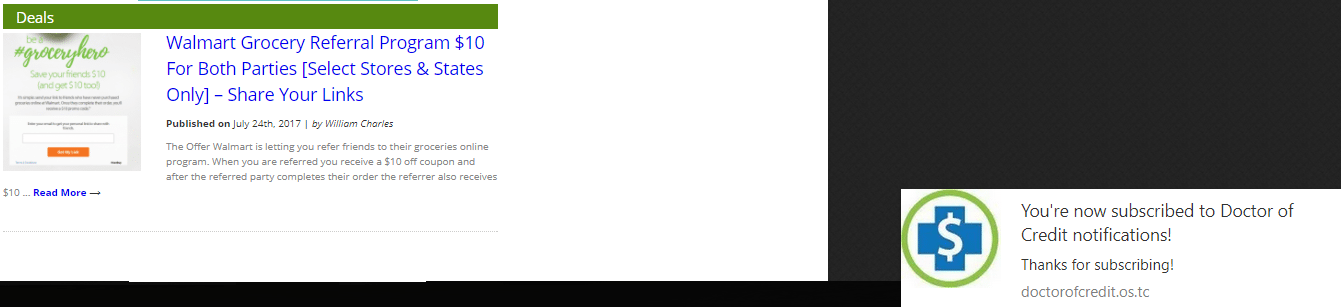
As always we try to use titles that reflect the posts content as accurately as possible so you don’t need to click through to an article you have no interest in. I think/hope this will be useful to some readers. If you see any issues with it, please let me know as I am still making changes to the set up and implementation. Notifications are instantaneous after we hit the publish button, whereas notifications via Twitter and other platforms have a delay.
Keep in mind this is only available on the following browsers:
- Chrome
- Firefox
- Safari
How To Unsubscribe




No comments have been published yet.